
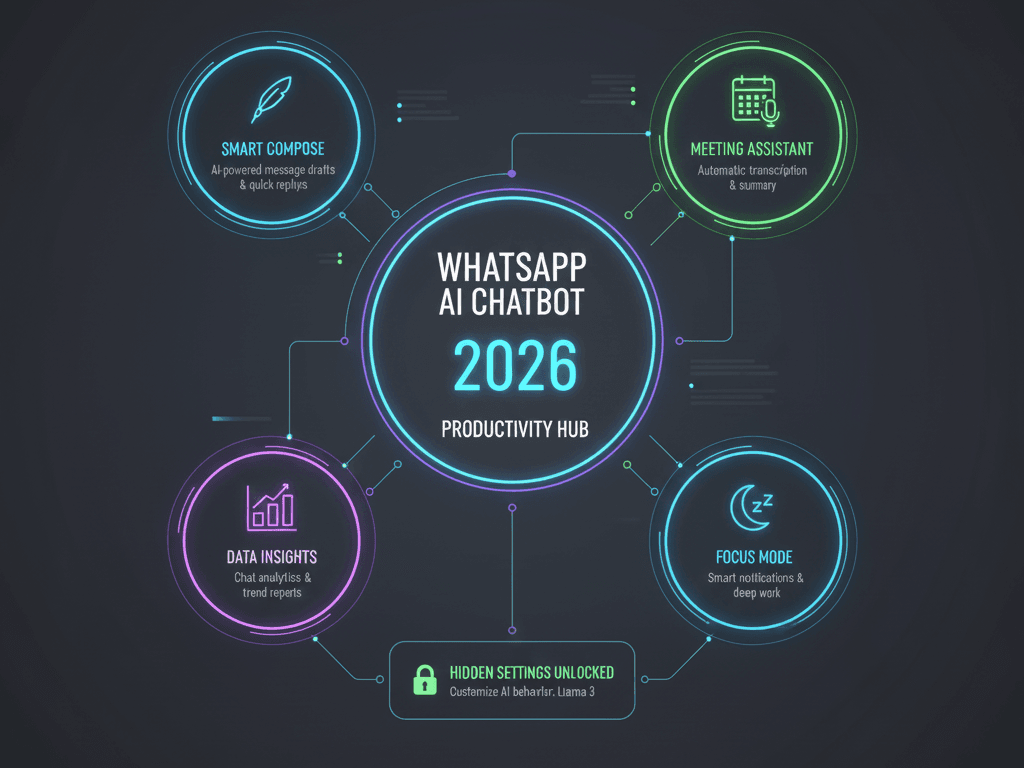
WhatsApp AI chatbot features and hidden settings allow you to imagine having a digital expert living inside your WhatsApp, capable of drafting messages, generating images, settling debates, and analyzing your documents in seconds. This is no longer a feature of the distant future; it’s the reality of WhatsApp AI Chatbot features and hidden settings today. Powered by Meta’s advanced Llama 3 model, this AI is transforming casual chats into powerful hubs of productivity and creativity. Yet, most users barely scratch the surface of its potential, unaware of the hidden settings that control its power and privacy.
This ultimate 2026 guide is your master key. We will move beyond basic “how-to” and delve into a professional deep dive, exploring not just what this AI can do, but how to command it with precision, integrate it into your business, and navigate its ethical landscape. Prepare to unlock every feature, configure every setting, and transform your WhatsApp into the most intelligent tool on your phone.
1. Beyond Chat: How Meta AI Became WhatsApp’s Brain
The integration of Meta AI into WhatsApp isn’t just an added feature; it’s a fundamental shift in the app’s DNA. It marks WhatsApp’s evolution from a pure communication tool into a contextual computing platform. At its core is Llama 3, Meta’s state-of-the-art large language model, which allows the AI to understand nuance, generate human-like text, and perform complex reasoning directly within your chat window. This seamless integration is its genius—you don’t need to open a separate app or even break your conversational flow.
Exploring WhatsApp AI chatbot features and hidden settings begins when you interact with it primarily through the distinctive blue-ringed icon in your chats or by typing @Meta AI in any group. But this is just the doorway. The true sophistication of WhatsApp AI chatbot features and hidden settings lies in its deep access to the WhatsApp ecosystem, allowing it to reference your shared location in a group plan, analyze a document you’ve received, or summarize a long voice note from a colleague. Understanding that this AI is built on a foundation of cutting-edge machine learning and designed for contextual awareness is the first step in moving from a casual user to a power commander of the WhatsApp AI Chatbot.
1. The Feature Arsenal: A Deep Dive into Multimodal Mastery
The public-facing features are impressive, but a pro user exploits their full, interconnected potential. Let’s move past the list and into strategic application.
2.1 The Text Powerhouse: More Than Just Q&AYes, it answers questions.
But strategically, mastering WhatsApp AI chatbot features and hidden settings makes it your on-call copywriter, researcher, and analyst. It can de-escalate a heated group argument by providing neutral, fact-based summaries, or draft a polite yet firm professional response in multiple tones. The key to leveraging these WhatsApp AI chatbot features and hidden settings is moving from simple queries to complex commands: “Act as a crisis PR manager and draft three response options to this customer complaint…”
2.2 Mastering the ‘Imagine’ Ecosystem: WhatsApp AI Chatbot Features and Hidden Settings for Creation & Manipulation
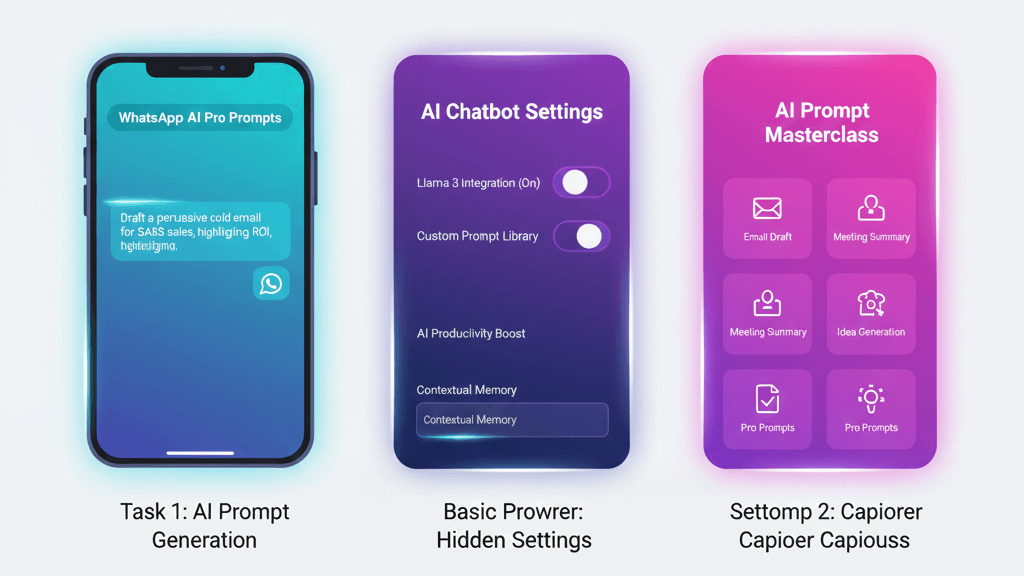
The Imagine feature is a paradigm shift. You can generate images, but the pro skill is in iterative editing. Generate a logo concept, then long-press the image and command, “Make it more modern and minimalist, using only blue and white.” This hidden setting of in-line image editing is rarely used to its full potential. Furthermore, 2026 brings true multimodal understanding: you can now send an existing photo of a room to the AI and ask, “Suggest a modern furniture layout for this space,” or send a product photo and ask, “Write a compelling Amazon listing description for this.”
2.3 The Group Chat Moderator & AnalystIn any group,
@Meta AI can be the unbiased moderator. Use it to: “Summarize the key decisions made about the trip in the last 50 messages,” or “List action items from this project discussion.” It cuts through the noise and provides clarity, effectively acting as a silent secretary for your most important conversations.
2.4 Advanced Processing: Voice & Document Intelligence
This is a game-changer for productivity. Forward a 10-minute voice note from a meeting. Prompt: “Transcribe this and extract a bullet-point summary, marking action items for [Rajdheer Gautam].” The AI performs sentiment analysis, noting if the speaker seemed urgent or positive. Similarly, forward a dense PDF contract or report and ask: “Extract all clauses related to payment terms and deadlines.” This transforms passive content into actionable data, a core WhatsApp AI Chatbot feature for professionals.
1. The Control Room: Configuring Hidden Settings for Power & Privacy
Power without control is dangerous. The most critical WhatsApp AI Chatbot features and hidden settings are those governing privacy and behavior. Misconfiguring these is the single biggest mistake users make.
3.1 The Privacy Shield: Data & Personalization Controls
Your interactions with the AI are not covered by WhatsApp’s end-to-end encryption for human chats. Therefore, controlling this data flow is paramount.
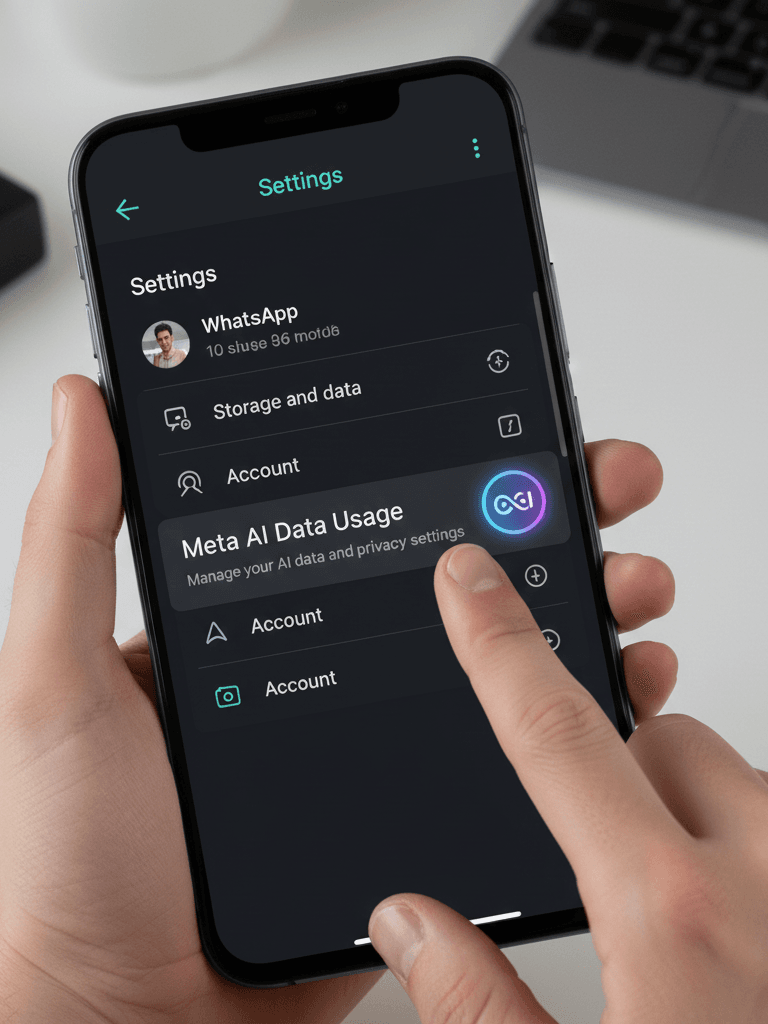
- Meta AI Data Usage: Navigate to Settings > Privacy > Meta AI Data Usage. Here, disable “Personalization.” This critical hidden setting prevents the AI from using your activity on other Meta apps (like Facebook or Instagram) to tailor its responses, isolating your WhatsApp AI experience.
- Memory Management: The AI can remember personal details if you ask (e.g., “Remember I am allergic to peanuts”). To view or delete this memory, tap the Meta AI profile icon in your chat and find “Memory Settings.” Regularly audit this.
3.2 Interface & Access Control
- The AI Button: If the persistent search bar button is distracting, go to Settings > Chats and toggle “Show Meta AI Button.” You can still access it via search.
- Advanced Chat Privacy: For ultra-sensitive group chats (e.g., business deals, support groups), enable “Advanced Chat Privacy” in the group info. This prevents participants from forwarding messages or—critically—using chat content with AI features, adding a vital layer of security.
1. The Pro User’s Playbook: Advanced Prompt Engineering & Workflows
Amateurs ask simple questions. Professionals engineer prompts. Mastering this turns the AI from a helpful tool into a bespoke assistant.
4.1 The Art of Prompt Engineering
- Context Priming: Never start cold. Prime the AI with role and context. Bad: “Write a diet plan.” Pro: “You are a certified nutritionist specializing in athletic performance for vegetarians. Create a 7-day meal plan for a 30-year-old male cyclist training for a 100km race, focusing on high protein and carb-loading two days prior.”
- Negative Prompting: Explicitly state what to avoid. “…Ensure the plan uses readily available ingredients in India and avoids soy-based proteins.”· Iterative Refinement: Treat the conversation as a collaboration. “Good start. Now, convert day one’s lunch into a step-by-step recipe and calculate the approximate macronutrients.”
4.2 Business Integration: The AI Co-Pilot for Entrepreneurs
For WhatsApp Business users, the AI is a revolutionary force in customer support and operations.
- Automated Catalog Creation: Upload product photos and ask the AI to generate consistent, compelling descriptions for your entire catalog.
- Drafting Intelligent Responses: When a customer asks a complex question, use the AI to draft a detailed, helpful response that you can then personalize. “Draft a response to a customer who received a blue shirt but ordered black. Apologize, outline the return process, and offer a 15% discount on their next order.”
- Market Research: Forward customer feedback or query screenshots and ask: “Analyze the sentiment of these messages and list the top three product issues mentioned.”
1. The 2026 Roadmap & Ethical Frontier
5.1 The Future: On-Device AI and Data Sovereignty
The next frontier is on-device AI processing. Future updates may allow smaller models to run directly on your phone, enabling basic tasks (like text summarization or quick replies) without an internet connection, enhancing speed and privacy. Coupled with this will be robust data export tools, allowing users to download their entire AI interaction history for personal audit or migration—a crucial step for data sovereignty.
5.2 The Ethical Imperative: Deepfakes & Watermarks
With great power comes great responsibility. The Imagine feature’s ability to create and edit photos necessitates a serious discussion on ethics.
- Deepfake Awareness: AI-generated images are becoming photorealistic. A responsible guide must warn users never to create images intended to misrepresent, harm, or impersonate real individuals without consent, which can have serious legal consequences.
- Identifying AI Content: Meta’s AI-generated images include an invisible watermark. Users should be educated to look for this and to always disclose when sharing AI-created content. Promoting ethical use is non-negotiable.
1. FAQ: Your Top Questions, Expertly Answered
𝗤𝟭: 𝗖𝗮𝗻 𝘁𝗵𝗲 𝗪𝗵𝗮𝘁𝘀𝗔𝗽𝗽 𝗔𝗜 𝗿𝗲𝗮𝗱 𝗺𝘆 𝗽𝗿𝗶𝘃𝗮𝘁𝗲 𝗰𝗵𝗮𝘁𝘀 𝘄𝗶𝘁𝗵 𝗳𝗿𝗶𝗲𝗻𝗱𝘀?𝗔: No. Your personal one-on-one and group chats remain protected by end-to-end encryption, which the AI cannot access. It only processes information you deliberately send to it (by chatting with the @Meta AI account or forwarding content to it).
𝗤𝟮: 𝗜𝘀 𝘁𝗵𝗶𝘀 𝗔𝗜 𝗳𝗲𝗮𝘁𝘂𝗿𝗲 𝗰𝗼𝗺𝗽𝗹𝗲𝘁𝗲𝗹𝘆 𝗳𝗿𝗲𝗲, 𝗮𝗻𝗱 𝘄𝗶𝗹𝗹 𝗶𝘁 𝘀𝘁𝗮𝘆 𝗳𝗿𝗲𝗲?𝗔: Currently, it is free. Meta’s strategy is likely to keep the core WhatsApp AI Chatbot features free to drive engagement, while potentially introducing advanced tiers or business-specific features for a fee in the future, similar to other AI service models.
𝗤𝟯: 𝗛𝗼𝘄 𝗮𝗰𝗰𝘂𝗿𝗮𝘁𝗲 𝗮𝗻𝗱 𝗿𝗲𝗹𝗶𝗮𝗯𝗹𝗲 𝗶𝘀 𝘁𝗵𝗲 𝗶𝗻𝗳𝗼𝗿𝗺𝗮𝘁𝗶𝗼𝗻 𝗶𝘁 𝗽𝗿𝗼𝘃𝗶𝗱𝗲𝘀?𝗔: While powerful, it can still “hallucinate” or generate incorrect information. It is an assistant, not an oracle. Always cross-check critical facts, especially for medical, legal, or financial advice. Use it as a productivity multiplier, not an unquestioned source of truth.
𝗤𝟰: 𝗛𝗼𝘄 𝗱𝗼 𝗜 𝗰𝗼𝗺𝗽𝗹𝗲𝘁𝗲𝗹𝘆 𝗱𝗶𝘀𝗮𝗯𝗹𝗲 𝗼𝗿 𝗿𝗲𝗺𝗼𝘃𝗲 𝗪𝗵𝗮𝘁𝘀𝗔𝗽𝗽 𝗔𝗜?𝗔: You cannot remove the integrated AI functionality entirely, as it’s part of the app’s core code. However, you can archive the chat, hide the button via Settings, and most importantly, disable personalization in the Meta AI Data Usage hidden settings to minimize its presence and data interaction.
Conclusion: Mastering Your Digital Ally
The journey through the vast landscape of WhatsApp AI Chatbot features and hidden settings reveals a tool of immense power and nuance. It is far more than a chatbot; it is a creative studio, a research assistant, a business analyst, and a productivity engine, all woven into the fabric of your daily communication. The difference between a novice and a pro user lies not in access, but in knowledge—knowledge of precise prompt engineering, diligent configuration of privacy settings, and ethical application of its generative power.
Start today.
Choose one advanced workflow from this guide—be it mastering iterative image edits, configuring your data privacy shield, or engineering a perfect business prompt—and implement it. As you do, you’ll stop being just a user of WhatsApp and start being a conductor of its intelligence, unlocking efficiencies and creativities you never thought possible within a simple chat app. The future of integrated AI is here, and with this comprehensive understanding of WhatsApp AI Chatbot features and hidden settings, you are now equipped to lead it.
Mastering Your Digital Ally
As we navigate through 2026, understanding WhatsApp AI chatbot features and hidden settings is no longer optional for those who value productivity and privacy. This guide has demonstrated that while the default tools are impressive, the real power lies in your ability to customize the interface. By mastering these WhatsApp AI chatbot features and hidden settings, you transform a simple messaging app into a sophisticated personal assistant.
Remember, the landscape of AI is constantly shifting, and staying updated with the latest WhatsApp AI chatbot features and hidden settings is the only way to ensure your data remains secure while your efficiency grows. Whether you are an entrepreneur or a casual user, taking full control of WhatsApp AI chatbot features and hidden settings will undoubtedly give you a competitive edge in this digital era.
A Quick Resource for You”
To help you get the most out of your digital experience, I have included a link to a professional WhatsApp Manager below. This tool is a perfect companion to the WhatsApp AI chatbot features and hidden settings we’ve explored, especially for those looking to automate their business workflows. Please note that this is an affiliate link; if you decide to make a purchase through it, I may earn a small commission at no extra cost to you. This support helps me keep providing high-quality guides like this one. If you’re ready to boost your productivity, feel free to check it out!”
Ready to level up your chat experience?
If this deep dive into WhatsApp AI chatbot features and hidden settings helped you, share it with your network! We want to hear from you—leave a comment below and tell us which hidden setting you found most useful. For more pro-level tech guides and 2026 masterclasses, keep visiting ekanshhub.com!